Security & Trust
How Approvals Work (Step-by-Step)
MyINC Social uses a manual approval system to keep the community safe, reduce spam, and ensure every account is reviewed before it can access member-only areas. This guide explains what happens after signup, how admins approve accounts, and what you can expect at each stage.
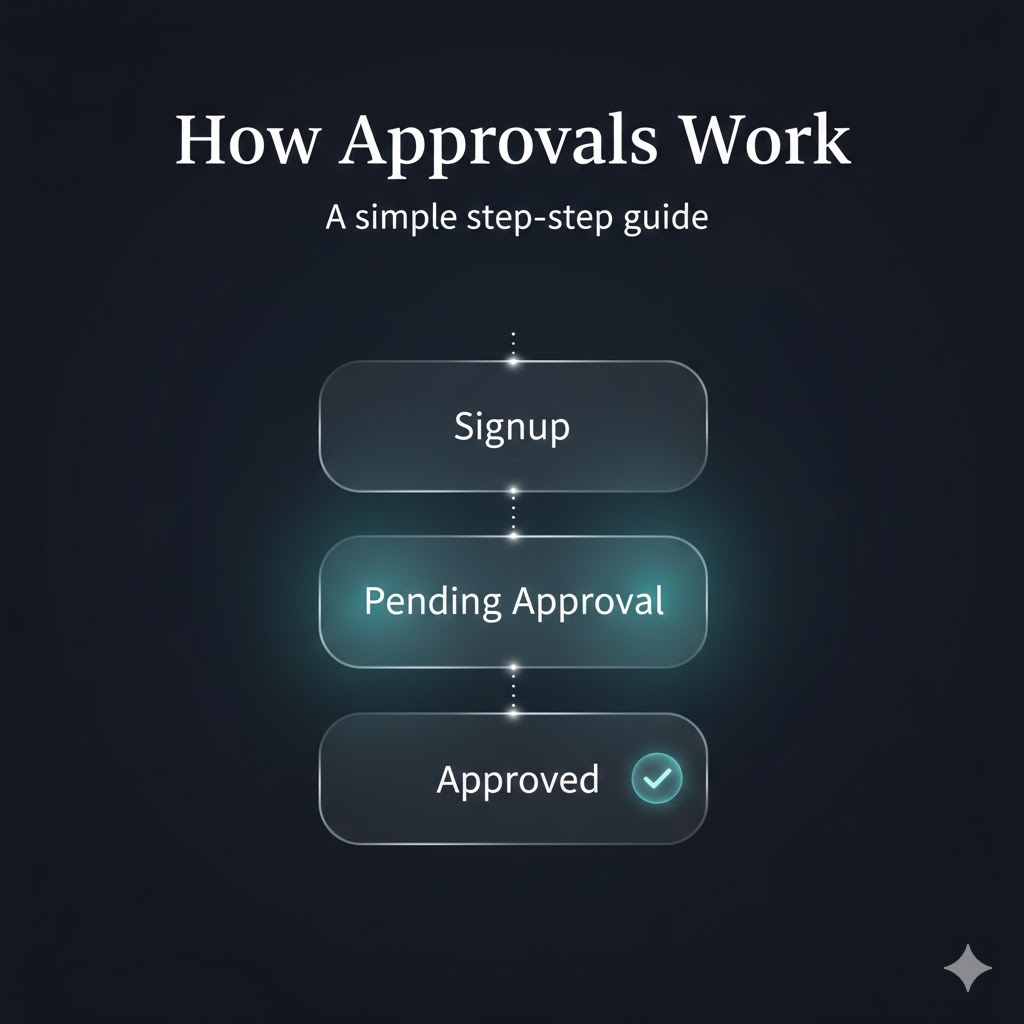
If you’re new to MyINC Social, the most important thing to know is this: creating an account is not the same as gaining access. Every new user passes through a short “pending approval” stage. This is intentional. It makes the platform more trustworthy for everyone.
1) What “approval” means (in plain English)
Approval is a simple control step between signup and access. It exists for three reasons:
- Safety: reduces spam, bots, and impersonation.
- Integrity: keeps member-only spaces genuinely member-only.
- Quality: encourages a respectful, real community from day one.
2) How approvals work (step-by-step)
Here is the exact sequence users experience, written for non-technical readers.
-
1 Create your account
You enter basic details (for example: name, email, password). After this step, your account exists, but your access is still limited.
-
2 Complete onboarding details
Onboarding collects the information needed to place you into the right community context. That can include location and other membership context required for verification. The platform uses these details only for access control and community management.
-
3 Your account becomes Pending Approval
Once onboarding is done, your status automatically becomes Pending. You will be routed to a Pending Approval page that explains what happens next.
Behind the scenes, the platform marks your profile with an
approval_statusfield set topending. -
4 An admin reviews your request
Admins see a list of pending accounts inside an Approvals page. They review each request and approve or reject it. In most cases, admins focus on the correct community alignment (for example: congregation matching) and obvious safety signals.
-
5 Approved users get access immediately
If approved, your
approval_statusbecomesapproved. The next time you visit (or refresh), protected pages open normally.The system also stores an audit trail (who approved and when).
-
6 Rejected users remain blocked
If rejected, your status becomes
rejectedand protected access remains disabled. Rejections are used to protect the community and reduce abuse.
3) Who can approve accounts?
Approvals are not “open” to everyone. The system is designed so that only authorized roles can approve accounts.
Admin
An admin can review pending accounts, typically within their scope (for example: the same congregation). This supports local gatekeeping and avoids a “free-for-all” approval model.
Super Admin
A super admin is a platform-level authority. They can approve across all scopes and can assign roles where needed. This is an emergency override and operational safety valve.
4) Approval statuses: Pending, Approved, Rejected
Every profile has a single status that defines access:
- Pending: account exists, but protected pages are blocked.
- Approved: full access to protected pages based on the platform rules.
- Rejected: access remains blocked to protect the community.
This is intentionally simple. Users should never be confused about where they stand.
5) How the platform enforces approvals (without jargon)
It’s not enough to “show a pending message.” A real approval system must enforce the rules. MyINC Social does that in two layers:
Layer A: Page gating (user experience)
When you try to visit a protected page (like the timeline), the site checks your current approval status. If you are not approved, it sends you to the Pending Approval page.
Layer B: Data access protection (security)
Even if someone tries to bypass the user interface, protected content is still restricted at the data level. This is critical: access control must be enforced where the data lives, not just in the browser.
// Conceptual model (simplified)
if not logged_in: redirect_to_login()
else if onboarding_complete != true: redirect_to_onboarding()
else if approval_status != "approved": redirect_to_pending_approval()
else: allow_access()
The result: pending accounts can’t “sneak in” by typing URLs manually.
6) Privacy and data handling (what we collect and why)
Approval systems require a minimum amount of identity and community context. MyINC Social aims to collect only what is needed to run verification and community operations.
Data minimization
We collect onboarding information for account placement and verification workflows. We do not collect unrelated sensitive data “just because.”
Audit trail (accountability)
Admin approvals are recorded with who approved and when. This creates accountability, deters abuse, and helps resolve disputes.
User transparency
Users can always see that they are pending and understand why they can’t access protected areas yet.
7) Policies & trust signals (important for Google review)
If you’re reading this as a reviewer (or as someone evaluating the platform), here are the trust elements we maintain across the site.
Clear navigation and accessible pages
The site includes easy-to-find pages for About, Contact, Privacy, and Terms. These are not hidden behind login.
Original, helpful content
This article is written to explain a real platform feature in plain language.
No deceptive behavior
Approval status is explicit. There is no misleading “you’re approved” messaging when you aren’t.
Safe user-generated content approach
The approval stage is a first line of defense against spam accounts and abusive content.
Performance and usability
This page is structured with headings, a table of contents, and FAQ schema to help both users and search engines.
8) FAQ
Why do I need approval?
Approvals protect the community from spam, bots, and impersonation.
How long does approval take?
It depends on admin availability and verification needs.
Can I browse anything while pending?
You can access public pages like About, Contact, Privacy, and Terms. Protected pages require approved status.
What if I’m rejected?
If you believe a rejection is incorrect, use the Contact page to request a review.
Summary
MyINC Social approvals are simple by design: signup → onboarding → pending → admin review → approved (or rejected). The point is trust. Approvals are the first line of defense for a safe community.