Official Download

Download MyINC Social for Android.

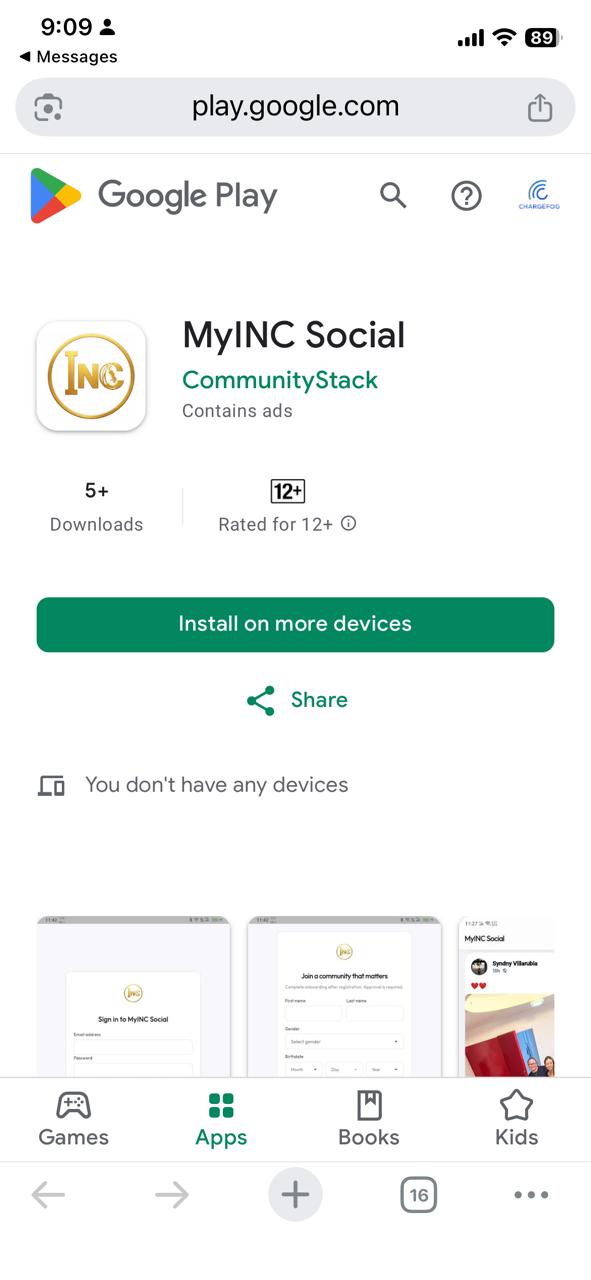
MyINC Social is a private, approval-based community platform built for verified access and a more focused social experience.

This page provides the official Android APK download directly from MyINCSocial.com for approved users and testers. It is the official source for installation outside Google Play.

Because this app is installed directly and not through Google Play, some Android devices may ask you to allow installation from this source before setup can continue.

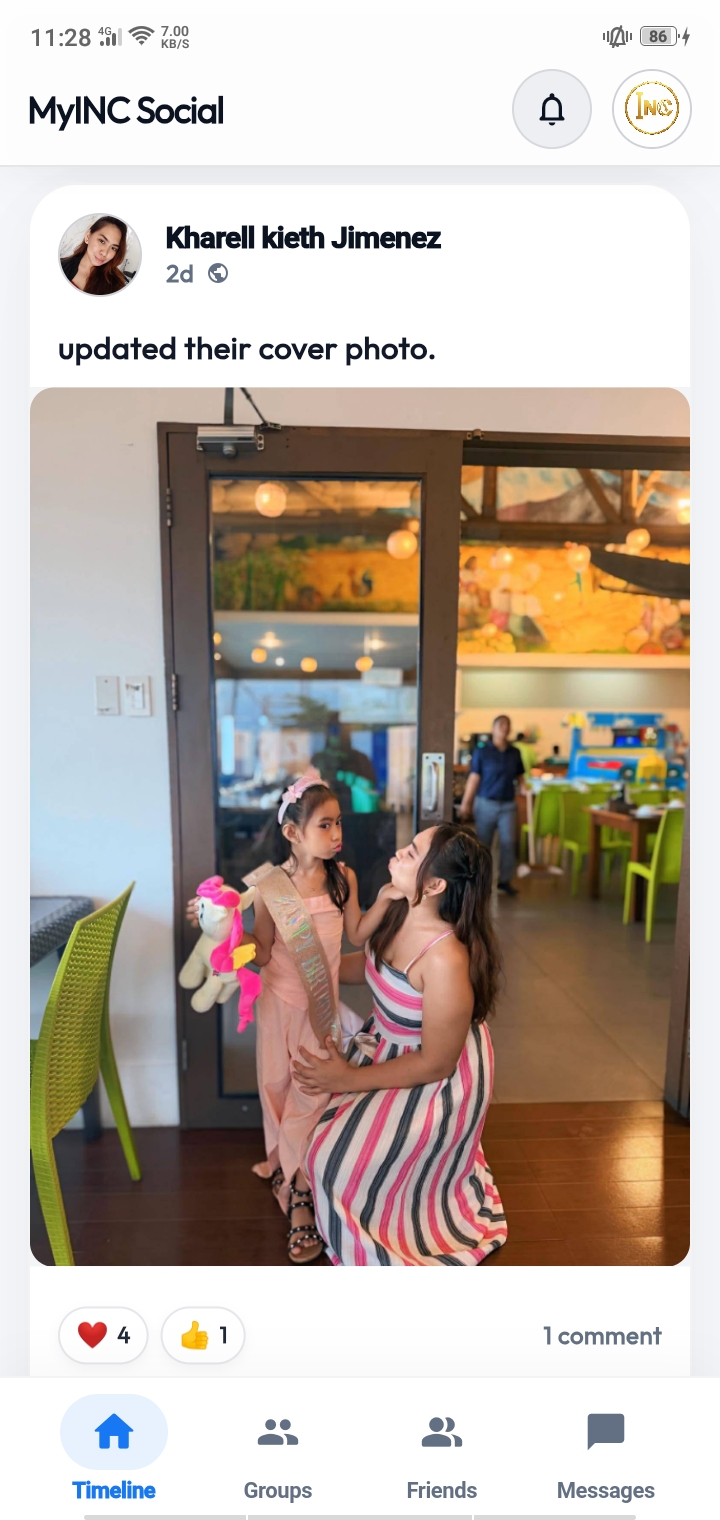
MyINC Social timeline preview
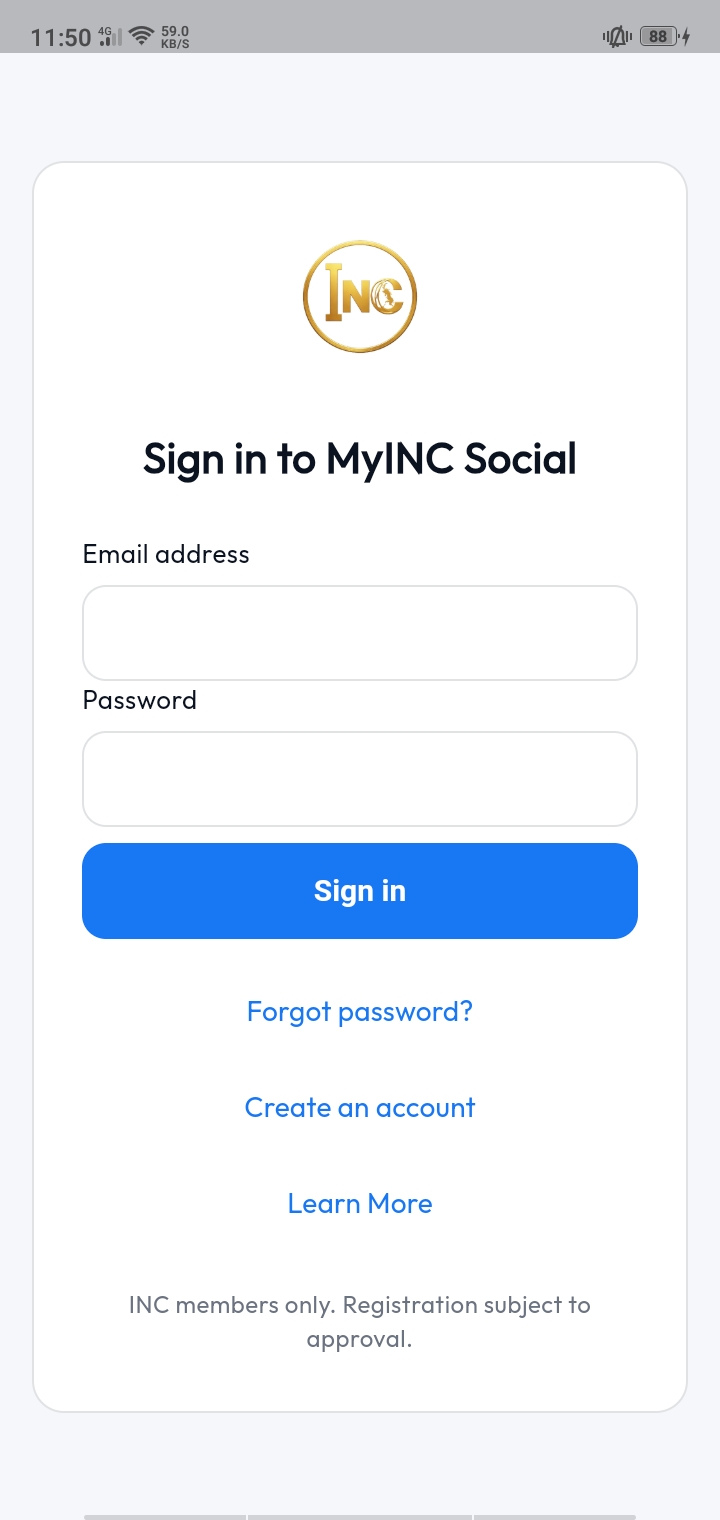
MyINC Social sign in preview
1.0.0
Version Current APK release available from the official site.
61 MB
Download size Lightweight enough for direct mobile installation.
APK
Package type Android install file delivered directly from source.
Mar 2026
Updated Latest update date shown for this release.
Screenshots

Preview the app before you install.

Preview core parts of the app before downloading. The layout below is mobile-first and easy to swipe through on phones.

Swipe to explore
MyINC Social sign in screen
Sign in Fast access for existing approved users.
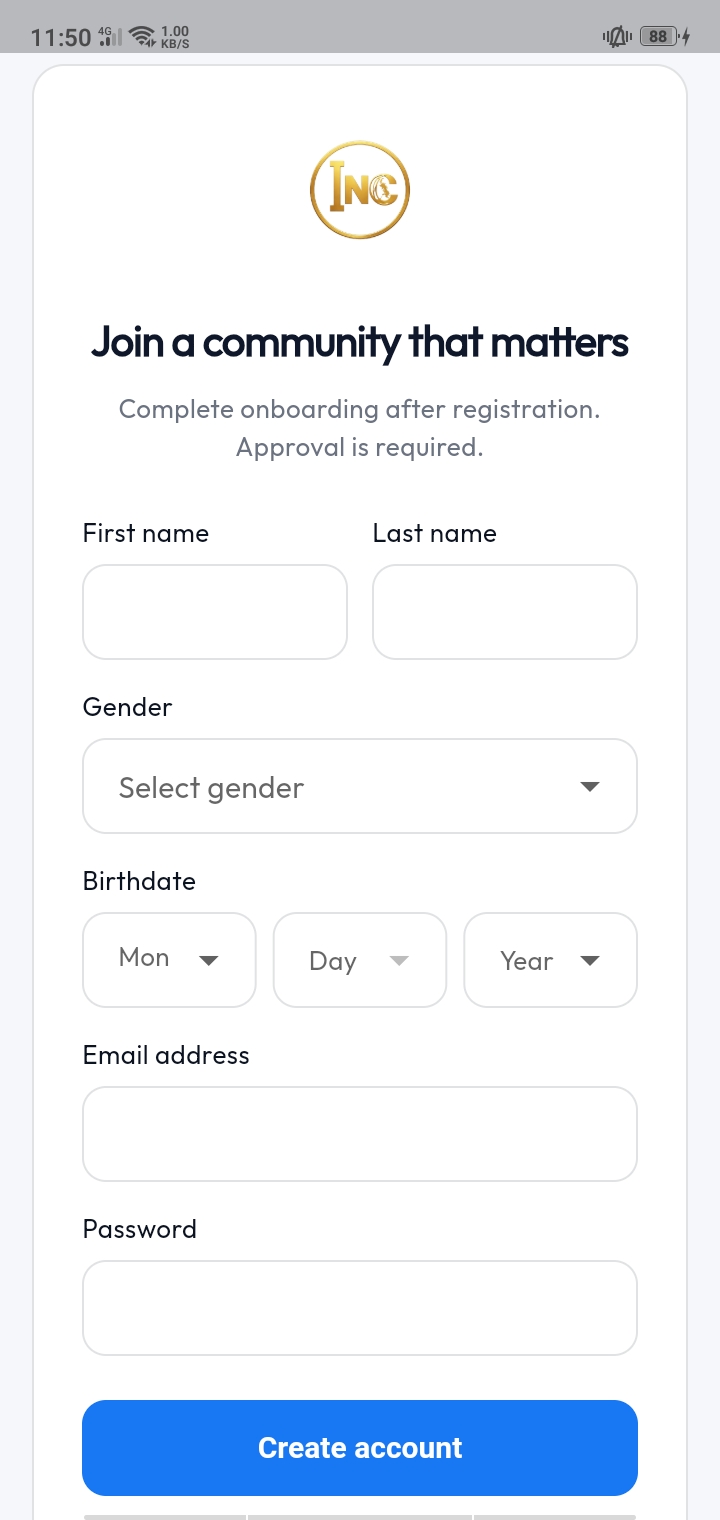
MyINC Social account creation screen
Create account Structured onboarding for new users entering the platform.
MyINC Social timeline screen
Timeline A focused feed for community updates and interaction.
MyINC Social navigation menu
Navigation Quick access to app sections and account tools.
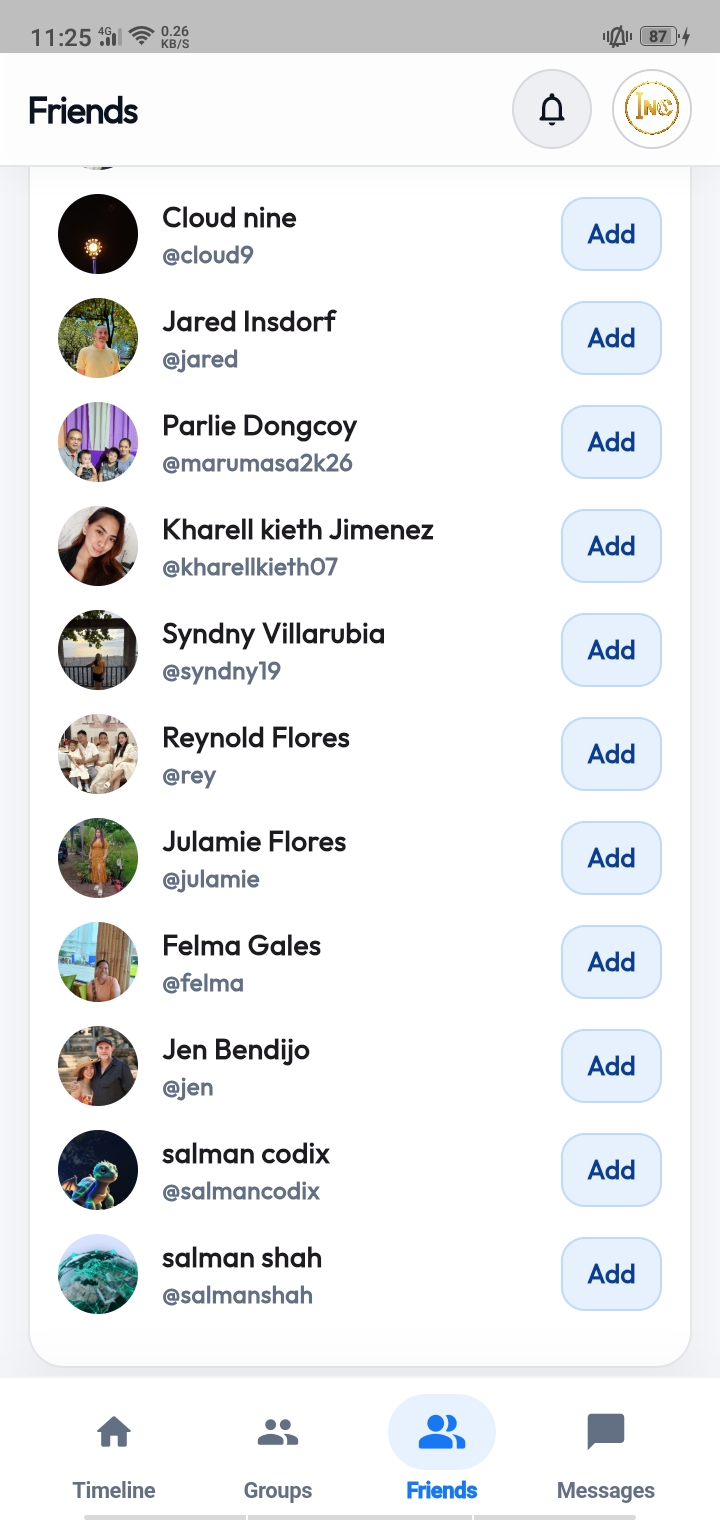
MyINC Social friends and connections screen
Connections Build relationships inside the private network.
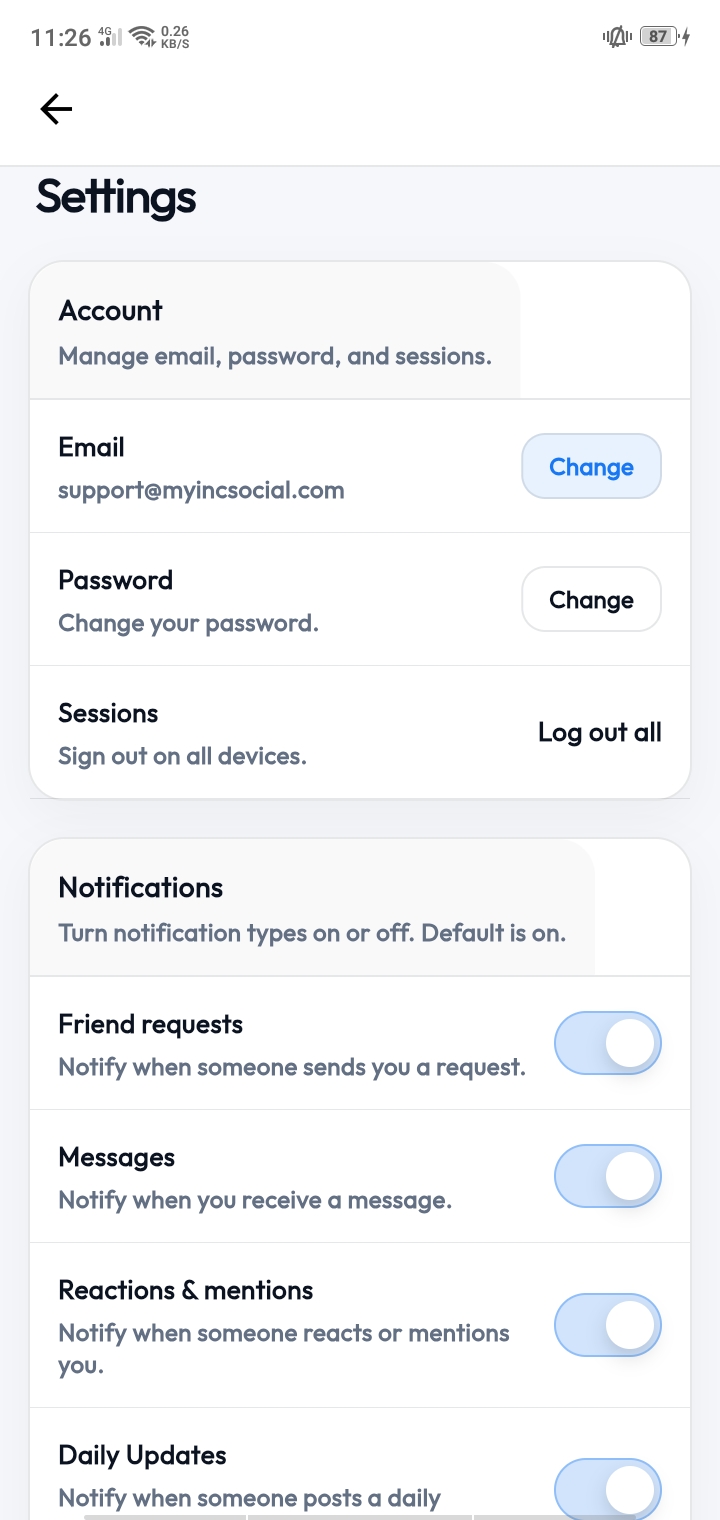
MyINC Social account settings screen
Settings Manage your profile and account preferences.
MyINC Social additional app preview
More from the app Additional look at the private mobile experience.
About this app

Built around cleaner access and a more focused experience.

MyINC Social is designed for a verified, approval-based environment where users can interact in a more focused and controlled way. The experience is built around clean navigation, private community access, streamlined onboarding, and a mobile interface that feels intentional rather than noisy.

Instead of open distribution and unrestricted public signups, the platform uses structured approvals to help maintain quality, trust, and a more secure member experience. Users can sign in, create an account, move through onboarding, access the timeline, connect with others, and manage account settings directly inside the app.

Private access Approval workflow Mobile-first Android download Official source
What’s new

What this version includes.

  • Approval-based access flow for a more controlled member environment.
  • Account creation, sign in, onboarding, and pending approval experience.
  • Private timeline and core social navigation built for mobile use.
  • Friends, connections, and account settings included in the app experience.
  • Direct Android APK distribution from the official MyINC Social website.
Install guide

Watch the install and registration flow.

Keep the video visible on the page so users can see the APK install flow before downloading.

Support

Official help and support links.

Users who need help before or after installation can use the official support channels below.

Help Center Browse official knowledge base articles, setup information, and support guidance.
Live Chat Open the official live chat channel for support and general assistance.
Contact Page Use the official contact page if you need to reach the MyINC Social team directly.
App info

Store-style release details.

App name MyINC Social
Developer MyINC Social
Platform Android
Package type APK
Version 1.0.0
File size 61 MB
Updated March 2026
Distribution Official direct download
How to install

Simple Android setup.

1
Download the APK Tap the main download button and save the APK file to your Android device.
2
Open the file Use your browser downloads, notification tray, or Files app to open the APK.
3
Allow installation if prompted Your device may ask you to allow installation from this source before continuing.
4
Install and continue Tap Install, open the app, and proceed with sign in or account creation.
Access & safety

What users need to know.

  • This page is for Android devices only. iPhone and iPad do not support APK installation.
  • The file is distributed directly from MyINCSocial.com as the official source.
  • The platform uses approvals and controlled access rather than fully open public distribution.
  • Install only if you intended to download MyINC Social from the official website.

Ready to install MyINC Social?

Download the latest Android APK from the official source and continue into the private MyINC Social experience.

Quick start
1
Download the APK Get the latest file directly from the official source.
2
Install on Android Allow installation from this source if your device requests it.
3
Open the app Sign in or create your account and proceed through onboarding.
4
Continue to approval Access is structured and controlled before full entry is granted.
🔒
Official direct download. Built for controlled access, clearer trust, and a more focused member experience.